Label design software TagPrint Pro 5
Speed, accuracy and control for your everyday labeling tasks to complex print jobs
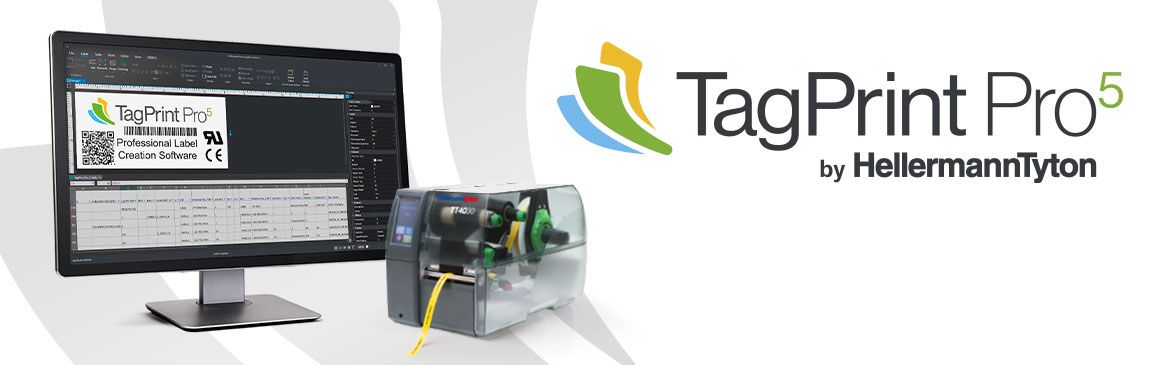
HellermannTyton’s complete labeling solution combines our powerful TagPrint Pro 5 software, our industrial-grade thermal transfer printers and a wide range of printing materials – from heat-shrink tubing and plastic markers to durable industrial labels.



Why TagPrint Pro 5?
- Designed for speed, precision and simplicity
- Faster startup & smoother navigation
- Real-time error detection
- Seamless printer integration
- Easy data imports and automation-ready
- Modern UI appearance
Key benefits:
- Automate repeat label print jobs using barcode-triggered workflows and project-based job management
- Print multiple jobs to multiple printers simultaneously with the Multi-Printer Manager
- Connect Excel and CSV data directly to label content and print jobs
- Reduce training requirements with guided design tools and standardised workflows
- Improve productivity across complex identification projects
- Powerful features that simplify your workflow.
New Label Design Wizard
New Label Design Wizard – simplify and accelerate the label creation process:
- Integrated product catalog – scan or search by product name, part number or EAN code
- Instantly preview the product and label design without opening it
- Add text boxes, QR codes, numbering, dates, logos, symbols and images with ease
- Access recently used templates or save your favorites
- Reduce print job size to speed up label printing
Advanced Data Import
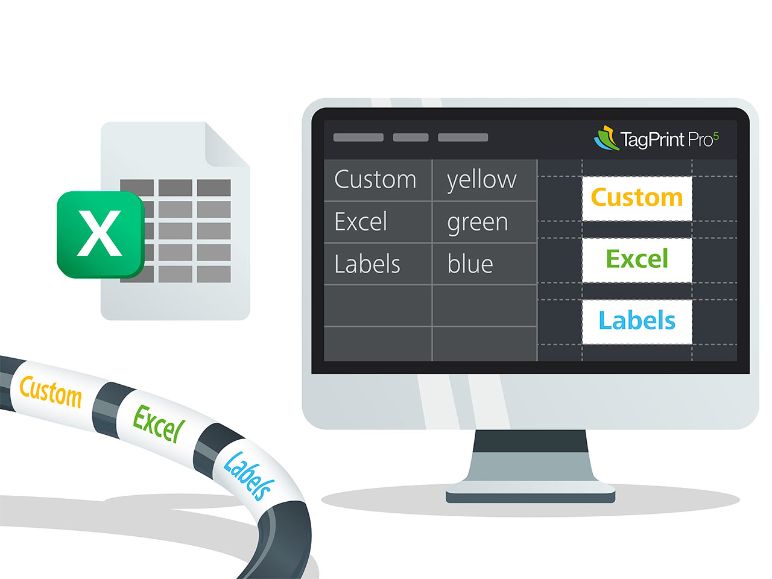
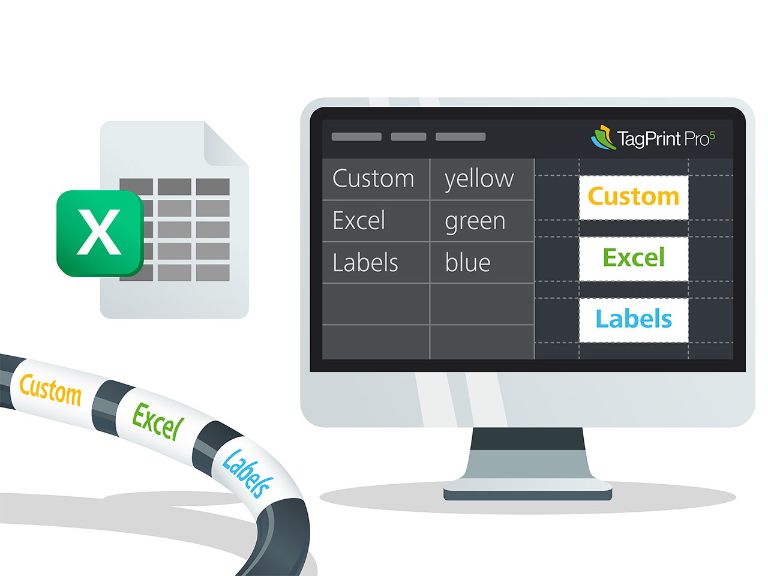
Advanced Data Import – connect and customize label content directly from your Excel or CSV files:
- Link multiple fields and variables – including text, font, size, orientation and other attributes – directly from your spreadsheet data
- Teams can save significant time working with variable data and repeated templates
- Perfect for high-volume printing without losing precision or control
Multi-Printer Manager
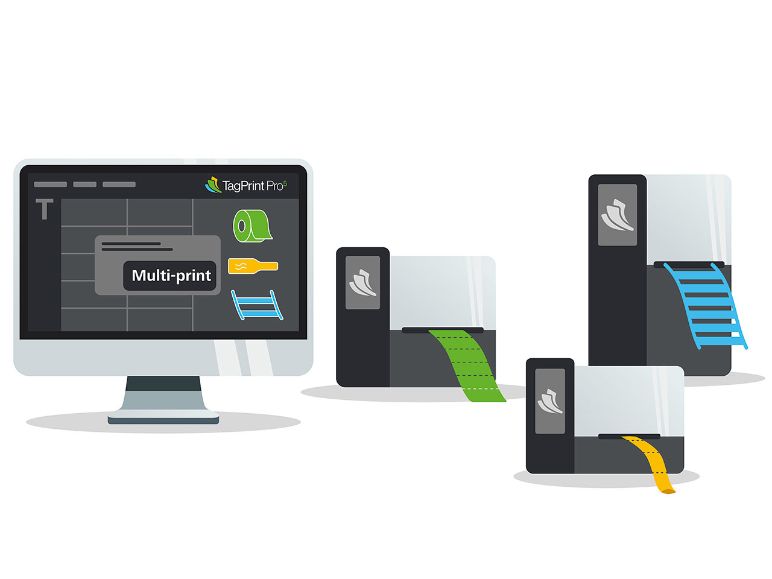
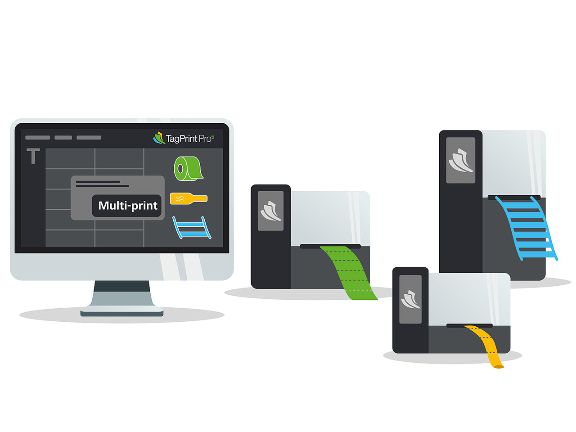
Multi-Printer Manager – send multiple print jobs to different printers all at once:
- Print to multiple devices simultaneously with one click – each printer handles its assigned task without stopping or switching materials
- Supports multiple label types in a single Excel file – ideal for mixed printing (heat shrink, cable tags, labels, etc.)
- Save time and reduce errors by automatingprint jobs across multiple printers and materials
- Make large print jobs easier with less manual work and fewer interruptions
Solution Explorer
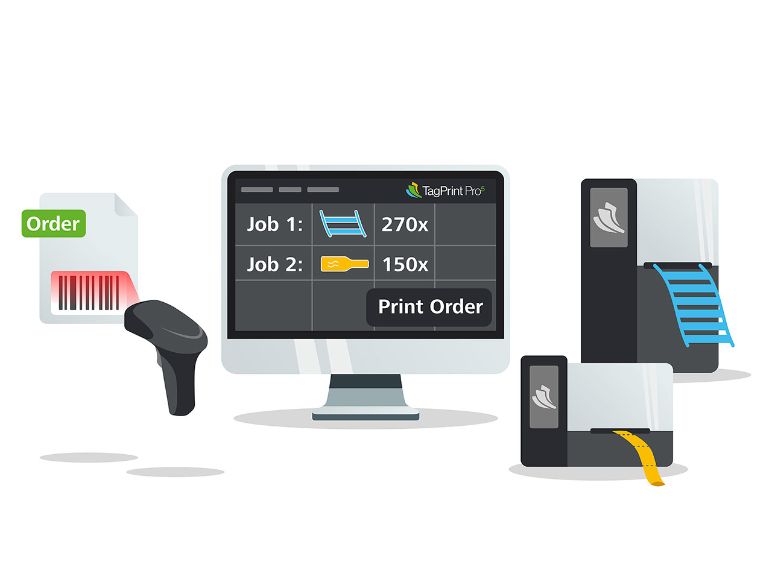
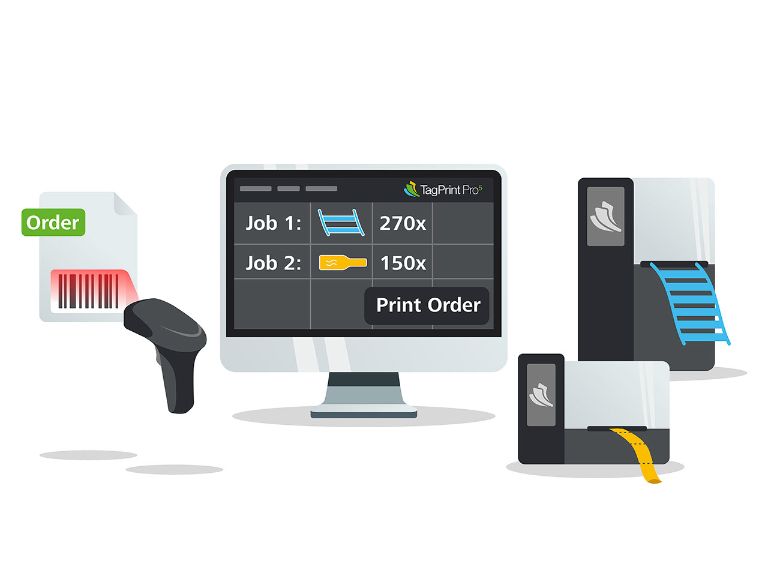
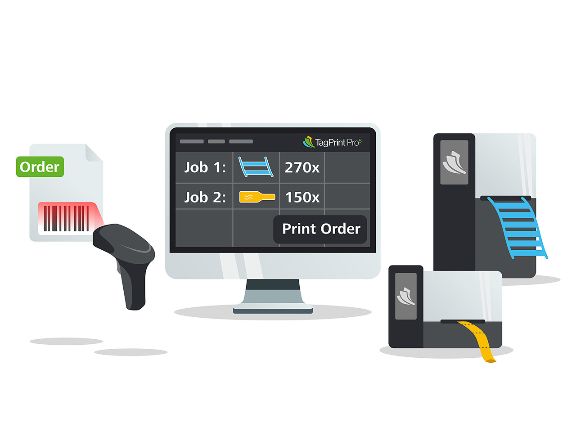
Solution Explorer - automate jobs by scanning a barcode or entering a project number:
- Organize and store full print job settings – label design, quantity, material and layout into folders and projects – all in one barcode
- Trigger print jobs instantly by scanning or entering a project ID – perfect for production floors or repeat orders
- Boost productivity by up to 23x in full automation mode and reduce operator labor by 40% in semi-automated mode
- Reduce errors and training needs with custom prompts that guide operators and restrict changes
- Group multiple labels under one job and print across several printers simultaneously
Key Feature Comparison
| Capability | TagPrint Pro 4 | TagPrint Pro 5 | Key Improvements |
| User Interface | Traditional and technical layout | Modern, intuitive wizard-based layout | ✅ Easier learning curve, faster design process |
| Print Automation | Requires setup from scratch | Imports previous TPP4 databases directly | ✅ No need to recreate databases, supports more options for automatic printing |
| Design Workflow | Manual and basic | Label Design Wizard – guided, intuitive design creation | ✅ Digitally signed installer, faster setup, fewer errors |
| MultiPrint Support | Not available | Print multiple label templates in one batch from the same database | ✅ Smart job queueing, printer-specific assignment |
| Data Management | Separate files per design | TP5 format: bundles multiple designs and tables into one file | ✅ Easier file sharing and backups |
| Design Binding | Not available | Dynamic link between data and table | ✅ Enables unique fields per label without separate jobs |
| Solution Explorer | Limited visibility | Visual explorer for all open files and data sets | ✅ Group and manage sets of designs, instantly see what’s active |
| Element Placement | Manual dragging | X/Y coordinate placement supported | ✅ Enables precise positioning of label elements |
| Template Control | Basic template resizing | Continuous templates adjustable in both Wizard and Properties pane | ✅ Flexibility for long-format labels |
|
Collaboration |
Local-only databases | Network-shared print automation databases | ✅ Easier updates and collaboration across teams |
| Digitally Signed | Not available | Requires permissions to install | ✅ Secure and safe installation |
| Printer Assignment | Not available | Save printer driver with design | ✅ No need to select the printer driver at time of print |
Seamless setup. Everything you need.
TagPrint Pro 5 is more than labeling software. It’s a full-featured design and print project management solution.
So, you can create any type of label or sign – and you can organize all your frequently used print jobs for instant access when you need them.
Whether you’re installing TagPrint Pro 5 for the first time or upgrading from a previous version, getting started is easy.
Get more information in our brochure here